
Generating Threads content with AI
Use the AI Writer, AI Profile, structures, CTAs, and writing styles exactly as they exist in this app.
Where the AI tools live
The AI features are spread across a few real screens in this app:
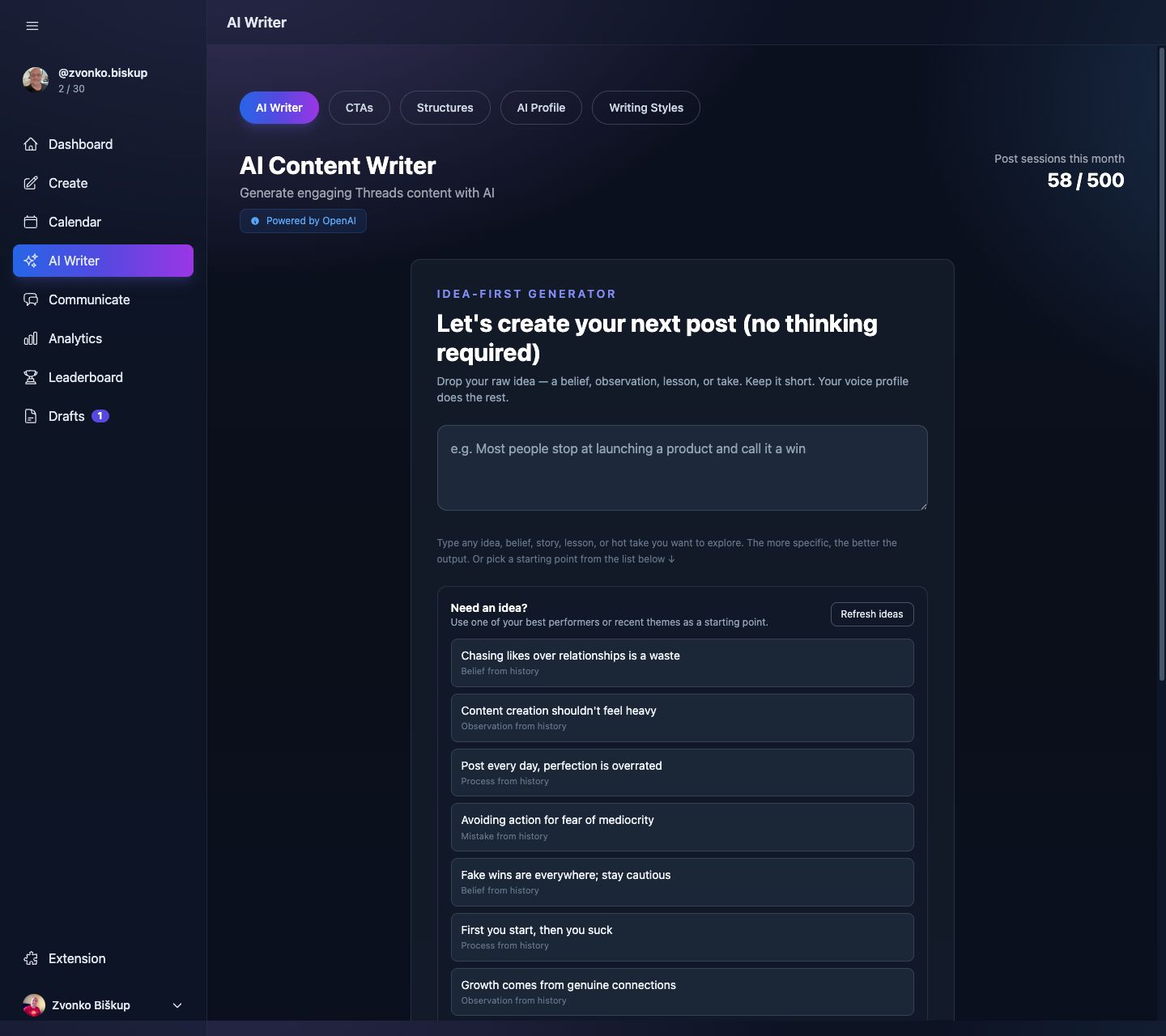
- AI Writer for generating thread candidates.
- AI Profile for niche, audience, goals, tone, posting frequency, and offer context.
- CTAs for reusable call-to-action snippets.
- Custom Structures for reusable content patterns.
- Writing Styles for built-in or user-created personas.
How generation works
The main generation endpoint validates a template, selected Threads profile, candidate count, optional custom angle, tone, writing style, and whether web search should be used. It returns up to 5 candidate threads and scores them before the UI shows them.
Inputs you can control
- The selected profile and its AI Profile context.
- A built-in or custom structure.
- An optional writing style.
- Your brief or custom angle.
- The number of candidates to generate.
- Optional web search, which costs more credits than a normal generation.
AI limits per plan
Generations are limited by plan and can also use top-up credits. In the current plan config, web search generation costs 2 credits; normal generation costs 1.
The strongest output comes from a completed AI Profile plus concrete examples in Writing Styles. The generator is better when you give it context instead of asking for something generic.
What happens after generation
You can score, improve, use, or convert a generated thread into a draft. CTA generation also supports a separate “contextual CTA” flow that uses your draft content plus one of your saved CTAs.