
Account & Billing
Common issues and fixes
Fix the most common real issues: connection loss, delayed sync, publish limits, empty analytics, and reply queue confusion.
Connection lost or profile disconnected
If publishing, analytics, or replies suddenly fail, first open Settings → Threads Profiles. A disconnected profile shows Authentication Lost and a reconnect button.
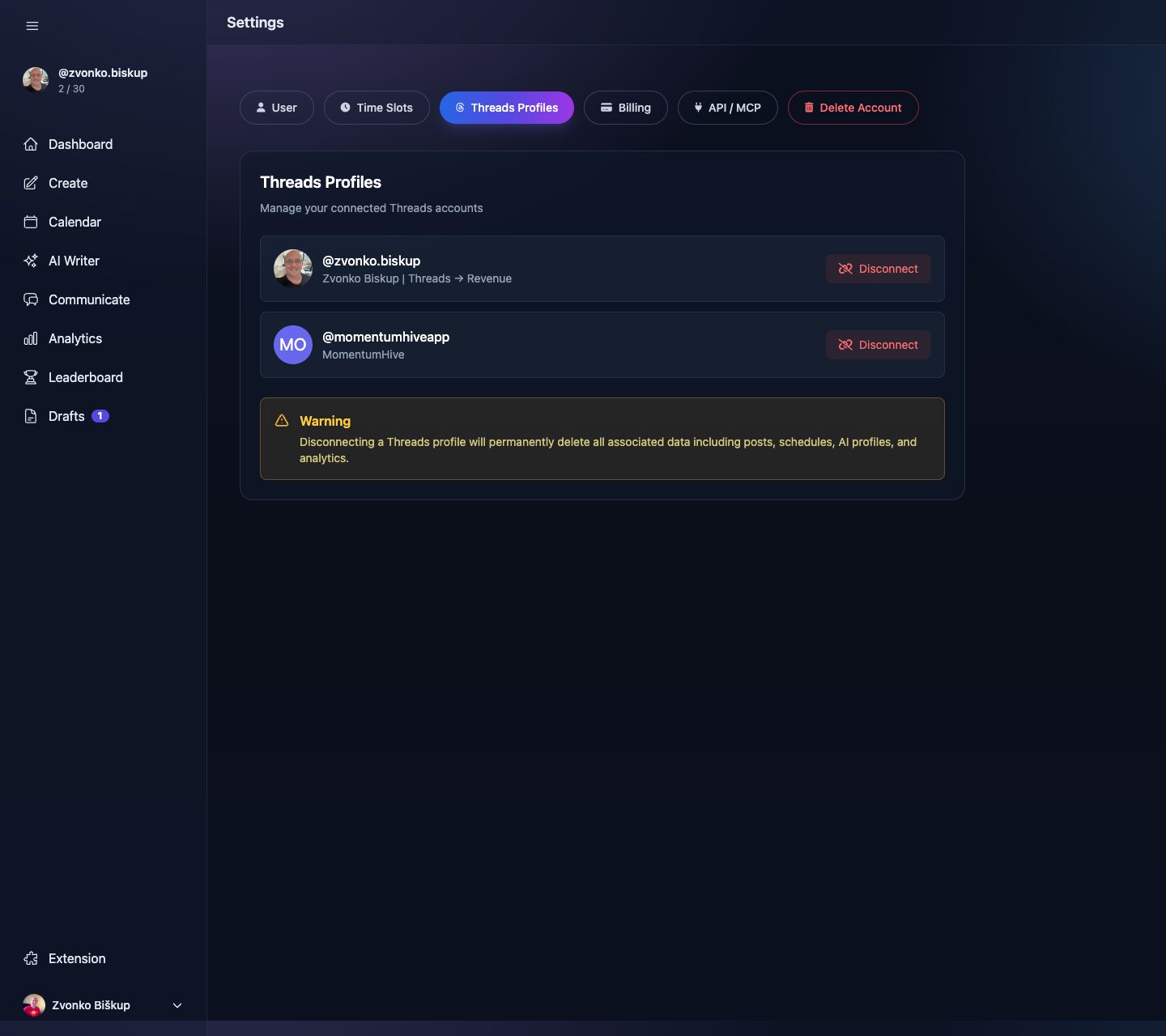
- Reconnect the Threads account.
- Refresh the page that was failing.
- If a scheduled post already failed mid-run, review it manually before republishing.
Analytics look empty
- Check whether the profile is still syncing history on the dashboard banner.
- Best Time needs at least 5 posts with 24-hour snapshots.
- Growth Advisor needs posted content in the last 30 days.
- Demographics depend on what Threads returns for your account.
Replies queue looks stale
- The queue is cached for 10 minutes.
- The service only inspects recent Threads posts up to 7 days old.
- Use the Refresh button before assuming the queue is wrong.
Scheduling or publishing blocked
- You may have hit the daily post limit for that Threads profile.
- You may have hit the monthly post limit for that Threads profile.
- The Create and Calendar pages can also show overlays when limits are reached.
Media upload fails
- Allowed types are
jpg,jpeg,png,gif,mp4, andmov. - The server limit is 100 MB per file.
- A carousel part cannot exceed 20 media items.
AI suggestions unavailable
AI replies need a completed AI Profile. AI Writer also depends on your generation allowance, selected profile, and available template access for your plan.
Still stuck?
Use the in-app Support page or email support@momentumhive.app. Include your account email, Threads username, the page you were on, and the exact error message.