
Scheduling
Finding the best time to post on Threads
Best Time analyzes 24-hour snapshots from your posted content and surfaces hourly, daily, and heatmap recommendations.
How MomentumHive finds the best times
The current best-time endpoint analyzes posted posts from the last 90 days that have a valid 24-hour snapshot. For each post it calculates engagement rate from likes, replies, reposts, and quotes divided by views.
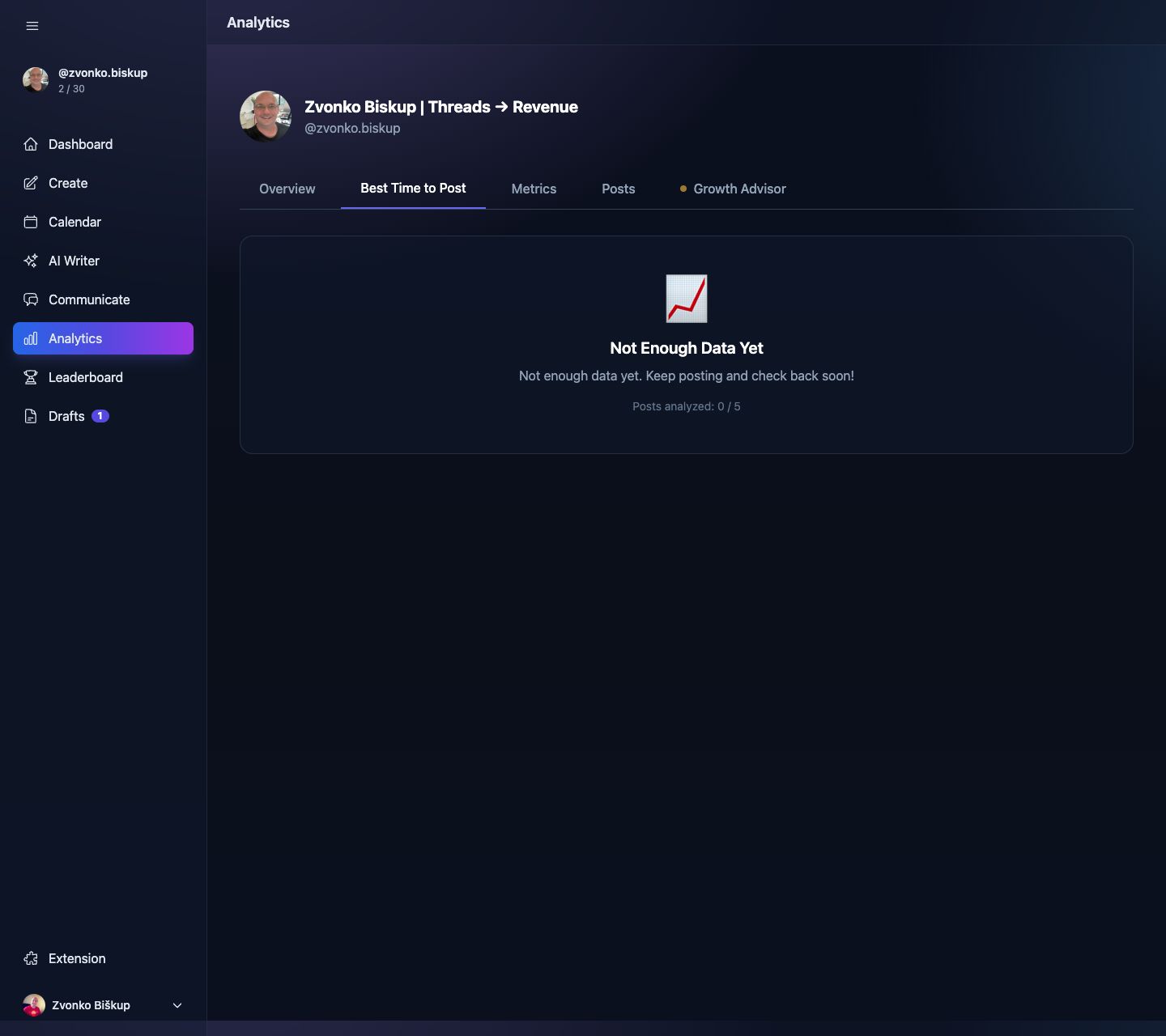
Where to find the recommendations
- Open Analytics.
- Use the Best Time tab.
- The scheduling modal also reads this data for “Schedule at Best Time” and inline engagement feedback.
What the response includes
- Hourly performance across 24 local hours.
- Daily performance across days of the week.
- Heatmap for day + hour combinations.
- Best time and best time slot summaries.
- Benchmarks for comparing a slot against your typical performance.
Accuracy improves with more data
The endpoint requires at least 5 qualifying posts with 24-hour snapshots. If there are fewer than 5, the UI reports that there is not enough data yet.
Best Time uses your configured user timezone when grouping hours and days, so if the timezone is wrong the recommendations will also be wrong.