Profile analytics and follower growth
Use Metrics, demographics, follower snapshots, and dashboard stats as they are actually implemented.
What profile analytics shows
Profile-level analytics in this app is split across the Metrics tab in Analytics and the dashboard stat cards.
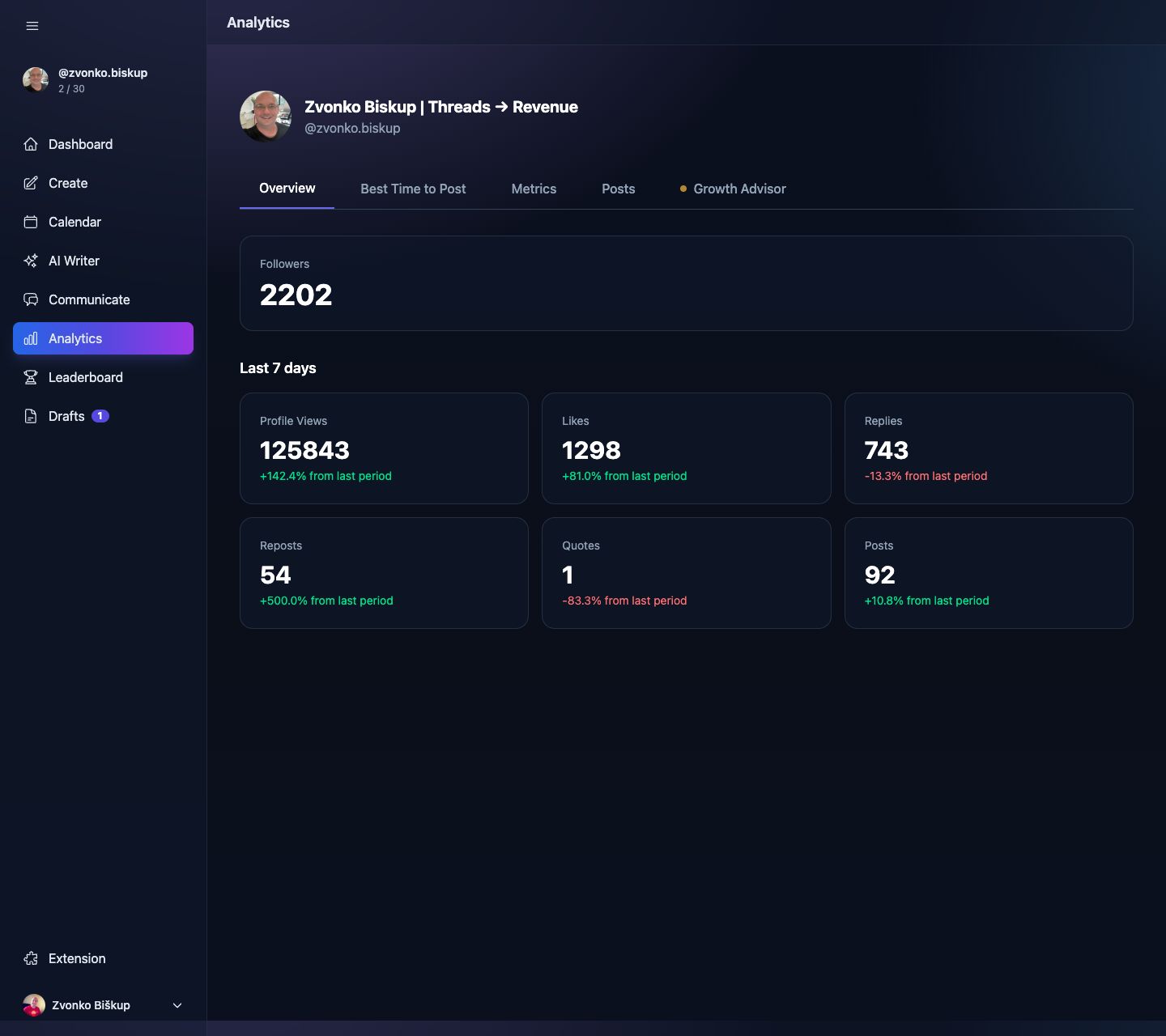
- Live-ish account totals such as followers, likes, replies, reposts, quotes, and posts.
- Historical daily snapshots for follower count, follower change, posts, views, likes, and replies.
- Audience demographics by age, gender, country, and city when Threads returns them.
Opening profile analytics
- Open Analytics.
- Use the Metrics tab for totals and historical charts.
- Use the demographics sections lower on the same page.
Data sources
Live totals come from the Threads insights API and are cached. Historical charts come from the app’s own snapshot tables. The demographics endpoint is cached for a day and falls back to stored rows if today’s data already exists.
Data availability
The app starts building historical profile snapshots only after your account is connected. Older follower history from before connection is not reconstructed.
If the dashboard follower count looks empty, the app already has fallback logic to use cached analytics or the latest snapshot instead of showing zero permanently.