
Managing your Threads reply inbox
How Replies and Lists really work: cached inbox loading, AI reply suggestions, ignore flow, and engagement lists.
What the inbox collects
The Replies tab loads recent conversations from your selected Threads profile. It fetches your own recent Threads posts, then expands each one with the Threads conversation endpoint and keeps only reply chains that still need your response.
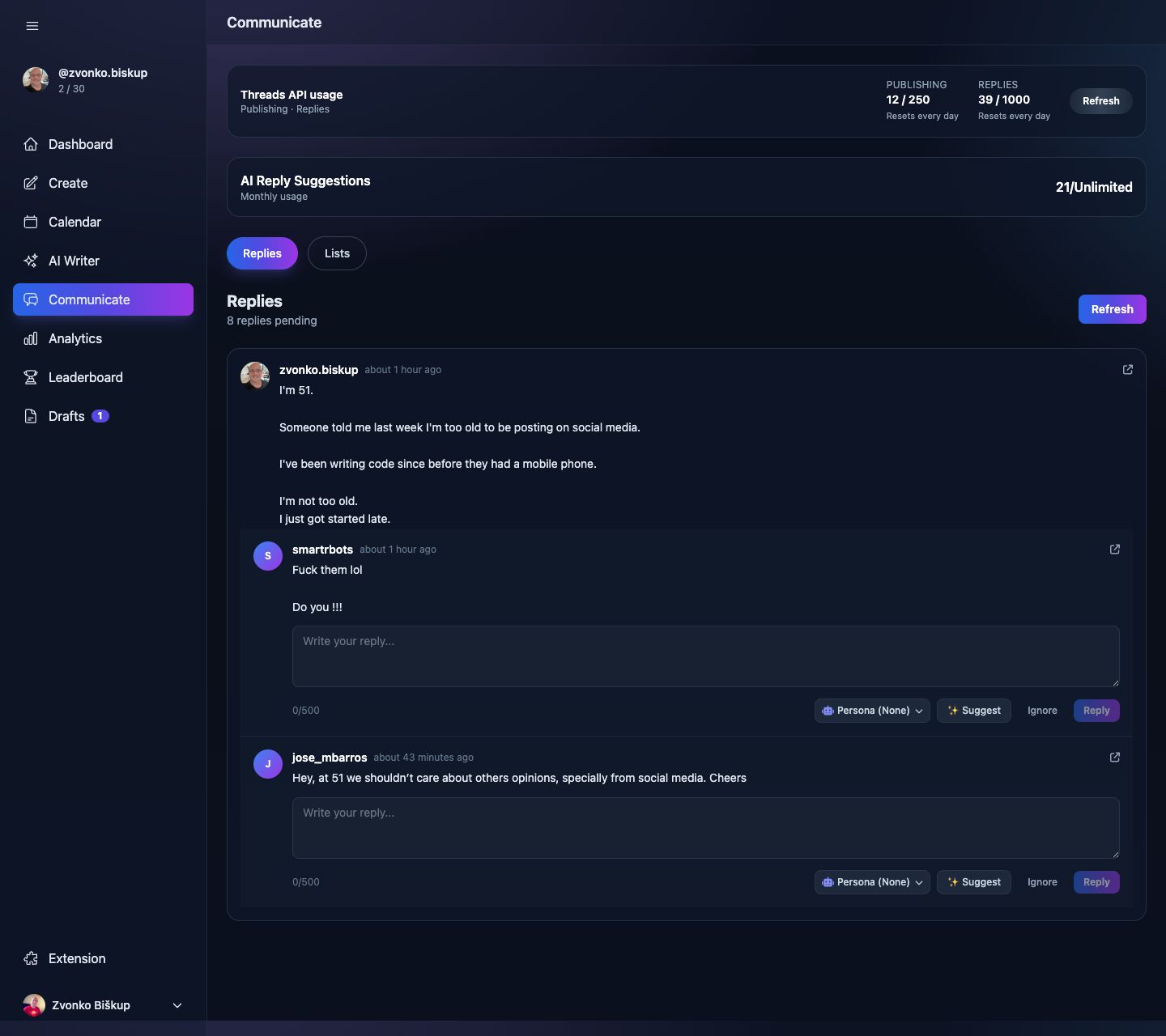
The inbox data is cached for 10 minutes per profile unless you force refresh.
Reading your inbox
- Open Communicate.
- Stay on the Replies tab.
- The UI groups replies by original thread and preserves context replies above the message that actually needs action.
Replying to a comment
- Type in the inline reply box.
- Stay under 500 characters.
- Click Reply. The app queues a background job to send it shortly.
AI-assisted replies
AI reply suggestions are optional. They require an active connected Threads profile and a completed AI Profile. The endpoint returns three suggestions and counts against your plan’s AI reply allowance or top-up credits.
Ignoring a reply
Ignoring a reply saves its ID locally so it does not keep resurfacing in the queue. It does not delete anything on Threads.
Inbox sync frequency
The service only scans posts up to 7 days old when building the queue. That keeps the API surface smaller and avoids very old conversation noise.
Lists
The second Communicate tab is Lists. It is for engagement lists, where you save Threads handles or profile URLs you want to keep up with manually.