
Growth Features
Auto-repost and content loops
Content Loop lets paid plans reschedule a duplicate post after N days from Create, Calendar, or MCP.
What the app currently supports
The UI and MCP tools expose this feature as Content Loop. In the current product surface it means: after a post publishes, schedule a duplicate of that post again after N days.
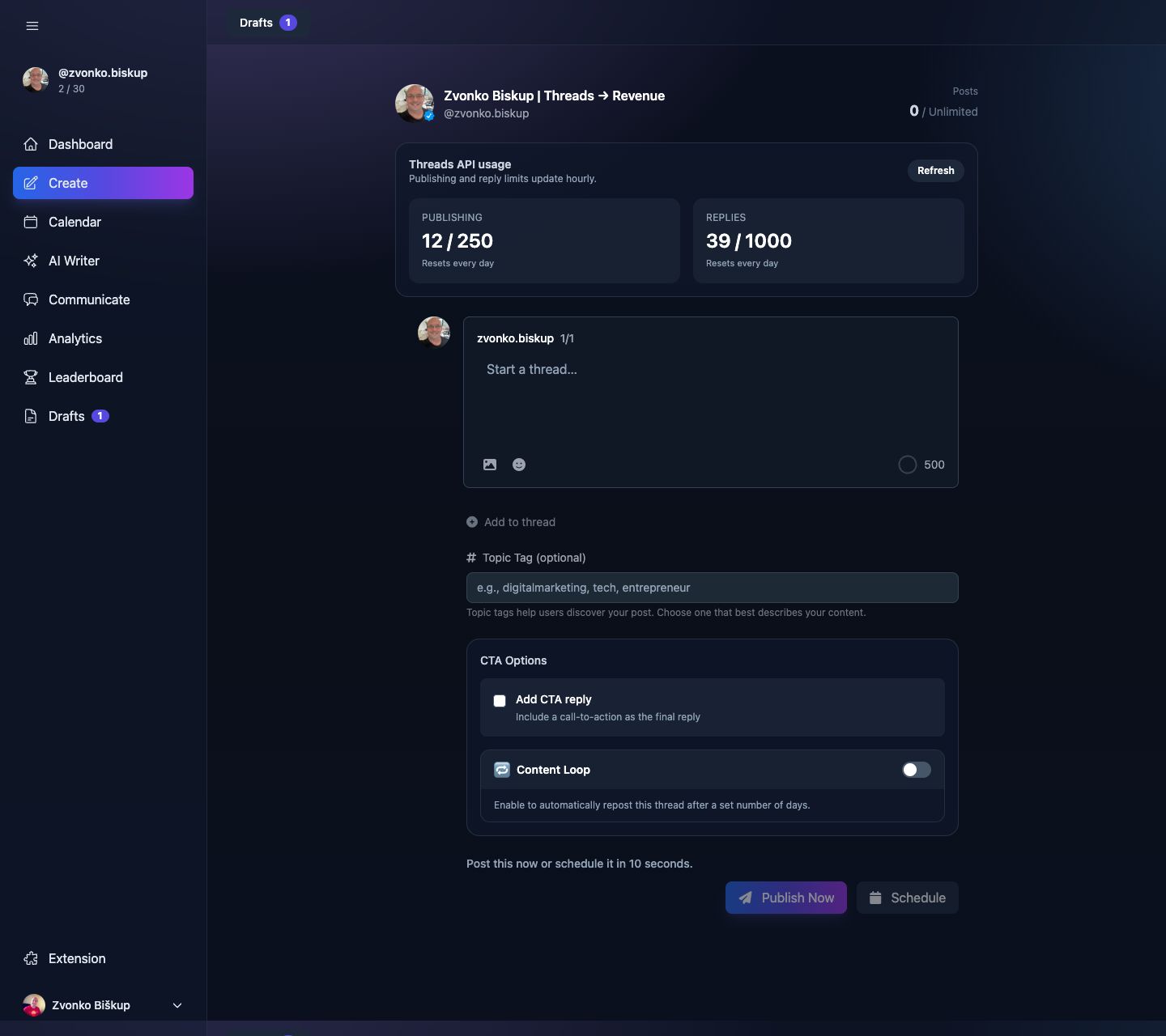
This is a paid-plan feature in the Create screen. Free users can see the card but cannot enable it.
Where to set it
- Open a draft in Create or edit a post from Calendar.
- Turn on Content Loop.
- Choose Repost after and set a number of days from 1 to 365.
- Schedule or publish the post.
What gets saved
The draft stores repost_enabled and repost_days. MCP tools can also use repost_after_days and looping flags when creating posts through an agent.
What not to expect
There is no separate standalone “loops management” page in this codebase. Content Loop is currently configured per post from Create, Calendar, or MCP-driven post creation.