
How to write a thread (multi-part posts)
Learn how multi-part posts work in the actual composer, including per-part media, autosave, and edit flow.
What is a thread?
In MomentumHive, a thread is an array of parts. The first part becomes the root Threads post. Each later part is published as a reply to the previous published part.
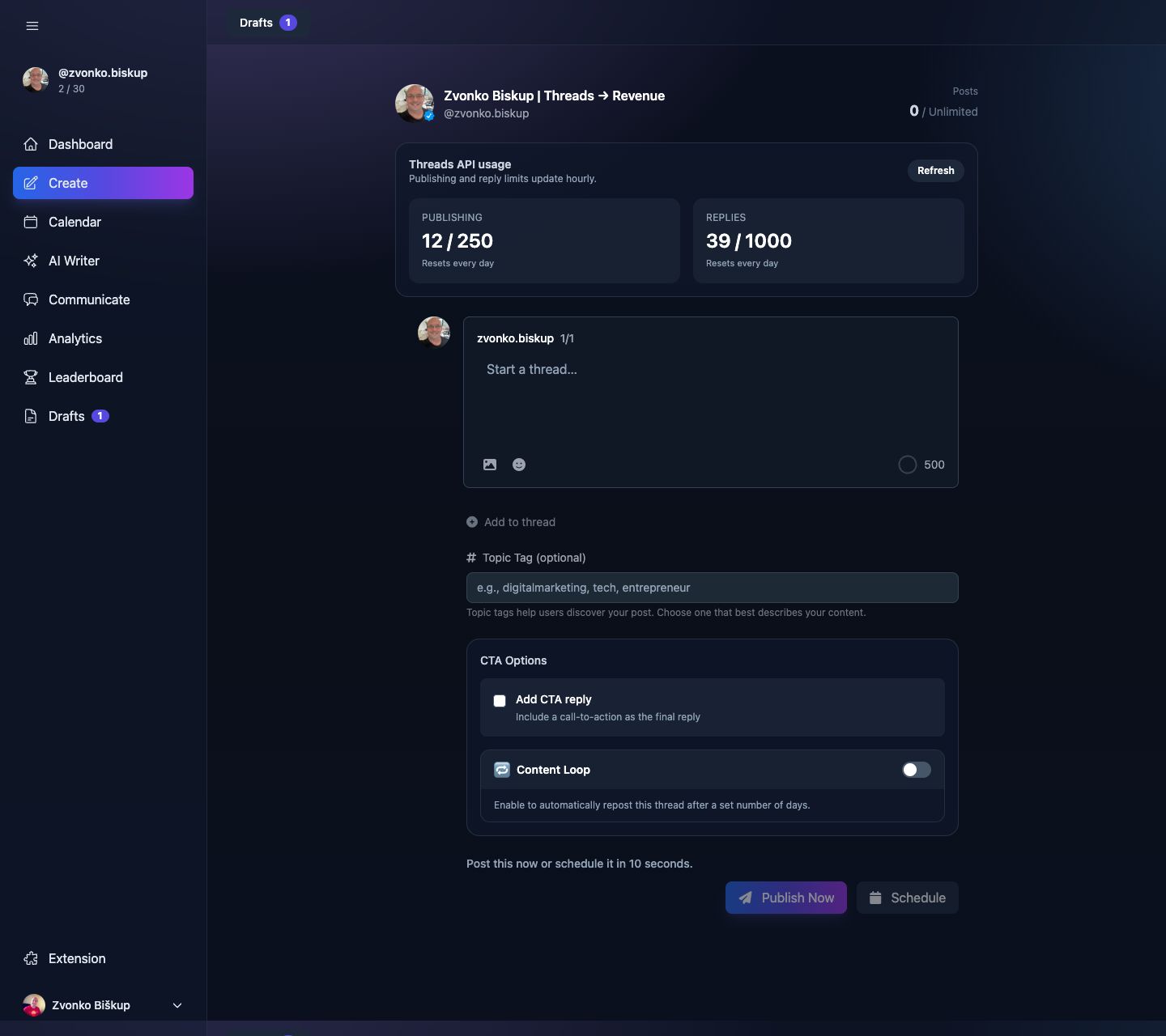
Adding parts to a post
- Write the first part.
- Click Add to thread.
- Repeat for each additional part.
Removing parts
Any part after the first can be removed with the close button in that card. The first part always stays because the composer needs at least one thread slot.
Images per part
Each part can have its own media array. That means one part can be text-only, another can be a single image, and another can be a carousel.
Publishing a thread
Publishing and scheduling work the same way as for one-part posts. The publishing service keeps track of every published Threads ID in platform_post_ids.threads_all so it can resume safely if a later part fails.
When imported posts come from Threads sync, MomentumHive can later reconstruct missing later parts by reading the Threads conversation endpoint if the post was actually a thread.
Viewing a published thread
After publish, the app can fetch permalink and insight data for the root Threads post through the Threads API.