
Growth Features
Momentum Drop: automatic follow-up posts
Momentum Drop holds back a CTA reply and posts it automatically once total engagement reaches a threshold.
What Momentum Drop is
Momentum Drop is a held-back CTA reply. Instead of publishing the CTA immediately as the final reply, the app stores the CTA text and waits until the post reaches a total engagement threshold.
How it works
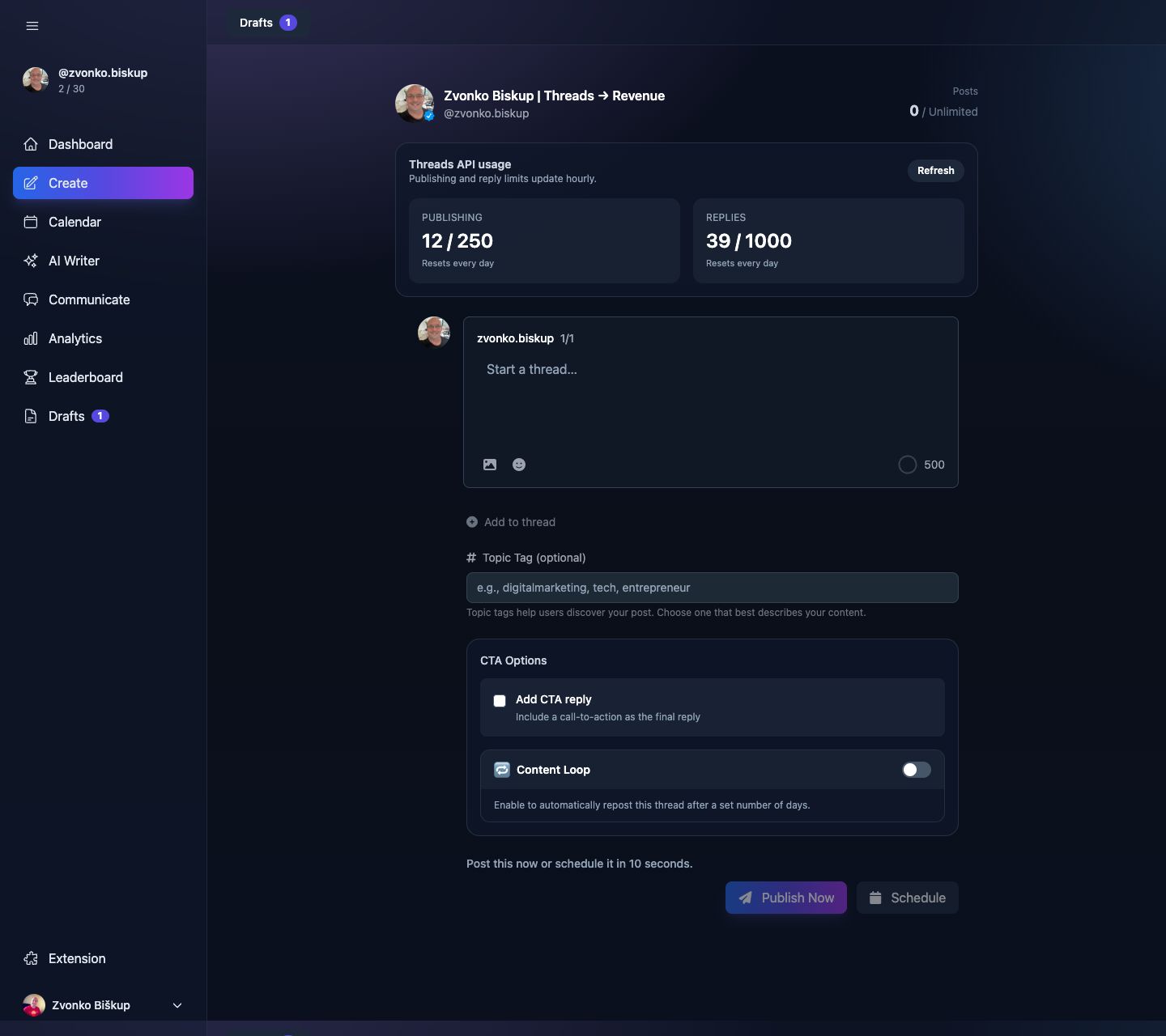
In the real UI this lives inside the CTA section of Create and Calendar:
- Turn on Add CTA reply.
- Optionally pick one of your saved CTAs or generate a contextual CTA.
- Turn on Momentum Drop.
- Set the threshold as a total engagement count.
- Schedule or publish the post.
What counts as the threshold
The code and UI both describe the threshold as combined engagement, not a rate. In practice that means likes + replies + reposts + quotes.
The CTA text is limited to 500 characters because it is still a Threads reply.
Plan availability
The schedule endpoint only persists Momentum Drop settings for non-free users. Free users see an upgrade prompt instead of an active toggle.