
How to contact support
Where to get help, what response options exist in the app, and what information to include when contacting MomentumHive support.
Where to get help
MomentumHive has an in-app Support page and a direct support email. The current support address used by the app is support@momentumhive.app.
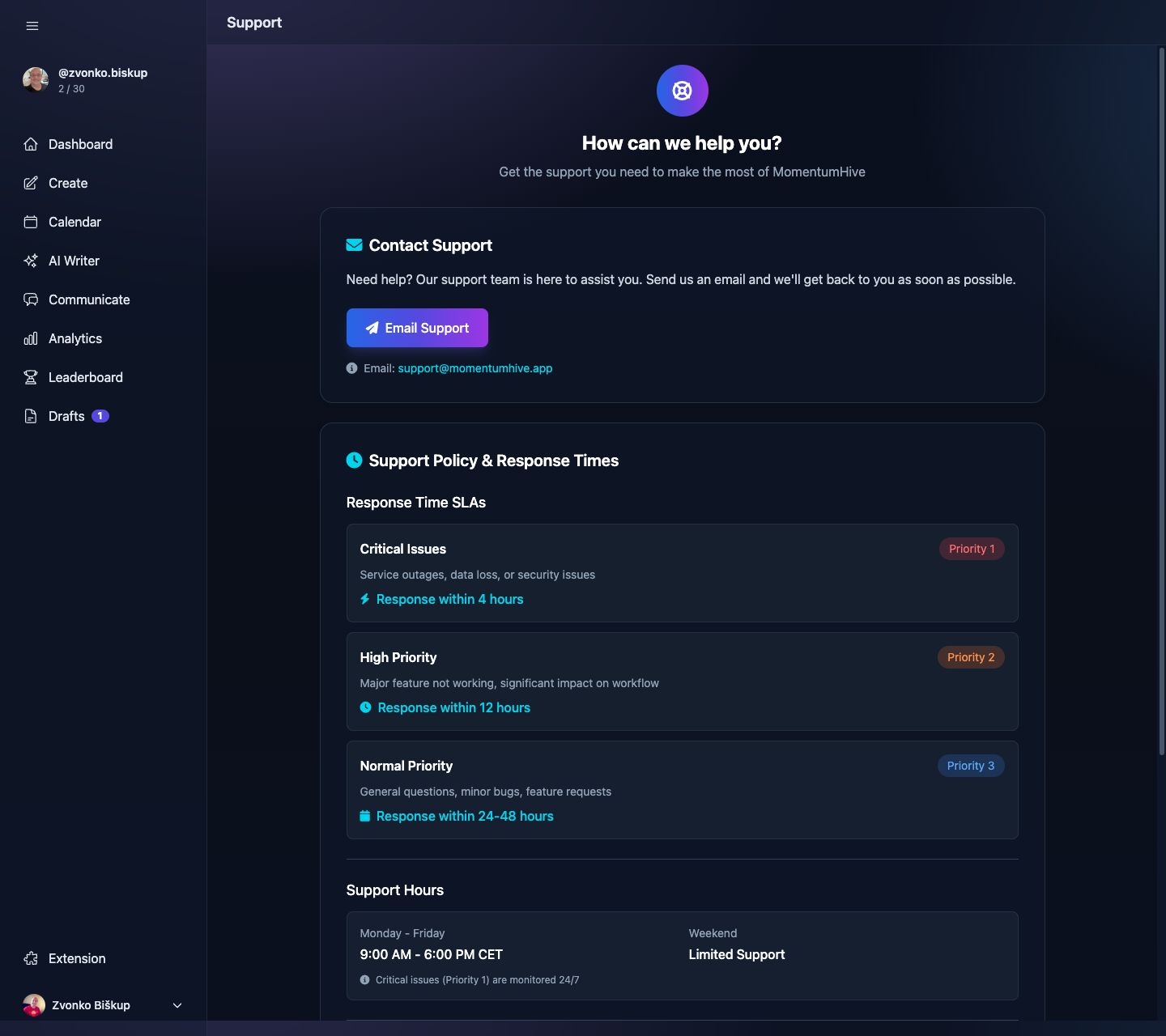
Support page
Inside the app, open Support from the sidebar. That page gives you:
- A direct email button for opening a support request.
- Published response-time expectations for critical, high-priority, and normal issues.
- Links to account deletion and Threads profile management.
What to include in your message
The in-app support page already tells users what helps most. Include:
- Your account email.
- Your Threads username.
- A clear description of the problem.
- The page or feature where it happened.
- Steps to reproduce it, if applicable.
- Screenshots or screen recordings when possible.
- Your browser and device if the problem looks UI-specific.
When to use support vs. settings
- Use Settings → Threads Profiles first if the issue is a disconnected Threads account.
- Use Settings → Billing first if the issue is plan changes, checkout, or subscription management.
- Use Support when the app is behaving incorrectly, data looks wrong, or you need manual help.
Response expectations
The current support page publishes three urgency bands:
- Critical issues such as outages, security issues, or serious data problems.
- High-priority issues where a major feature is not working.
- Normal-priority issues for general questions, smaller bugs, and feature requests.
If you are reporting a scheduling, analytics, or replies problem, include the exact Threads profile you had selected when it happened. A lot of app behavior is profile-specific.
Privacy
The app’s Support page also includes a privacy notice stating that support requests and personal information are not shared with third parties.